Asset tracking

Asset tracking

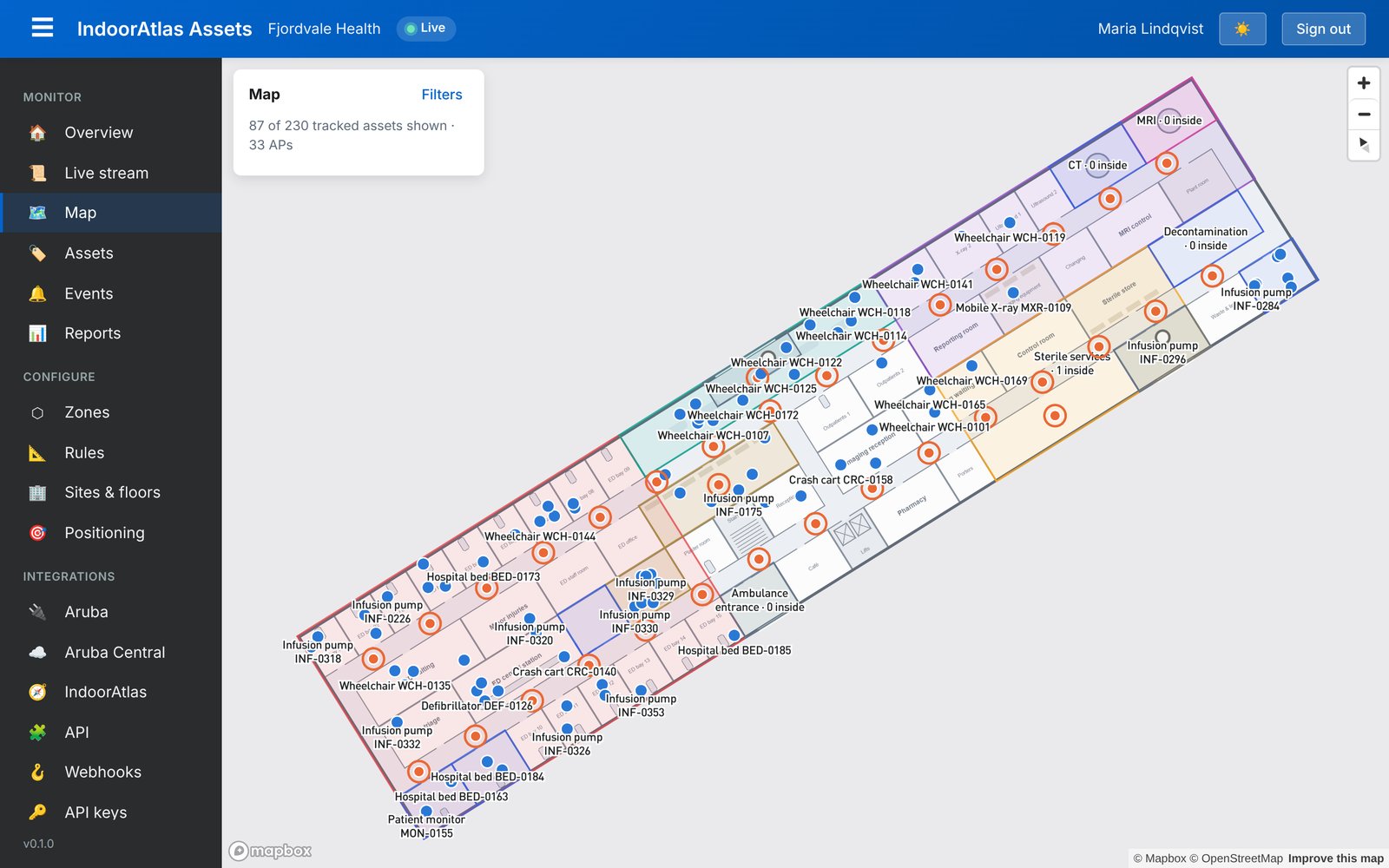
Real-time tracking of equipment and devices: BLE tags located through the HPE Aruba Networking access points already in your building, and phones and handhelds that run the IndoorAtlas SDK. Every item on the floor plan as it moves, with rules, alerts and reports.

Product highlights

Tags and devices

Track BLE tags through your HPE Aruba Networking Wi-Fi network, and phones or handhelds through the IndoorAtlas SDK, on the same map.
setting

Live map

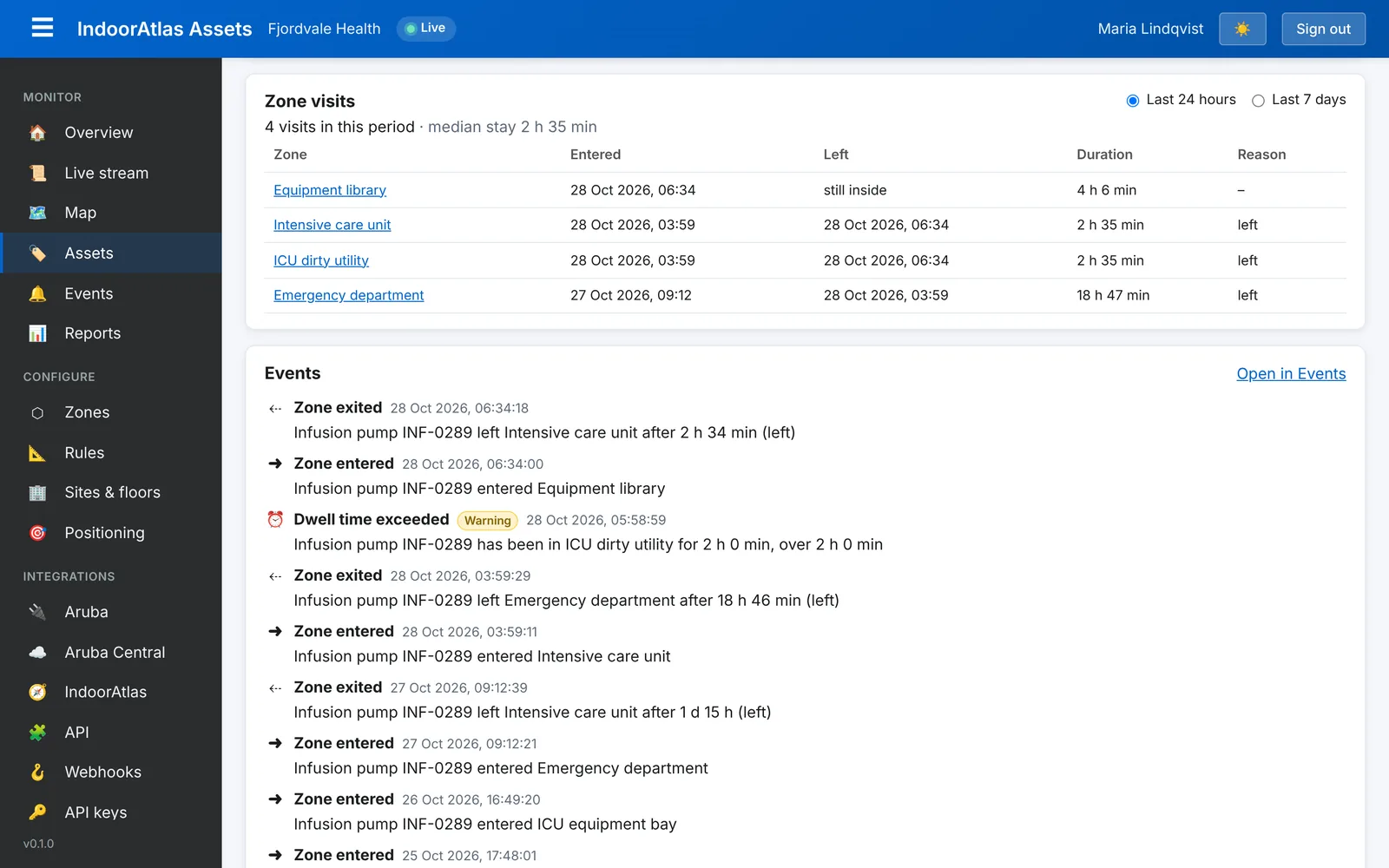
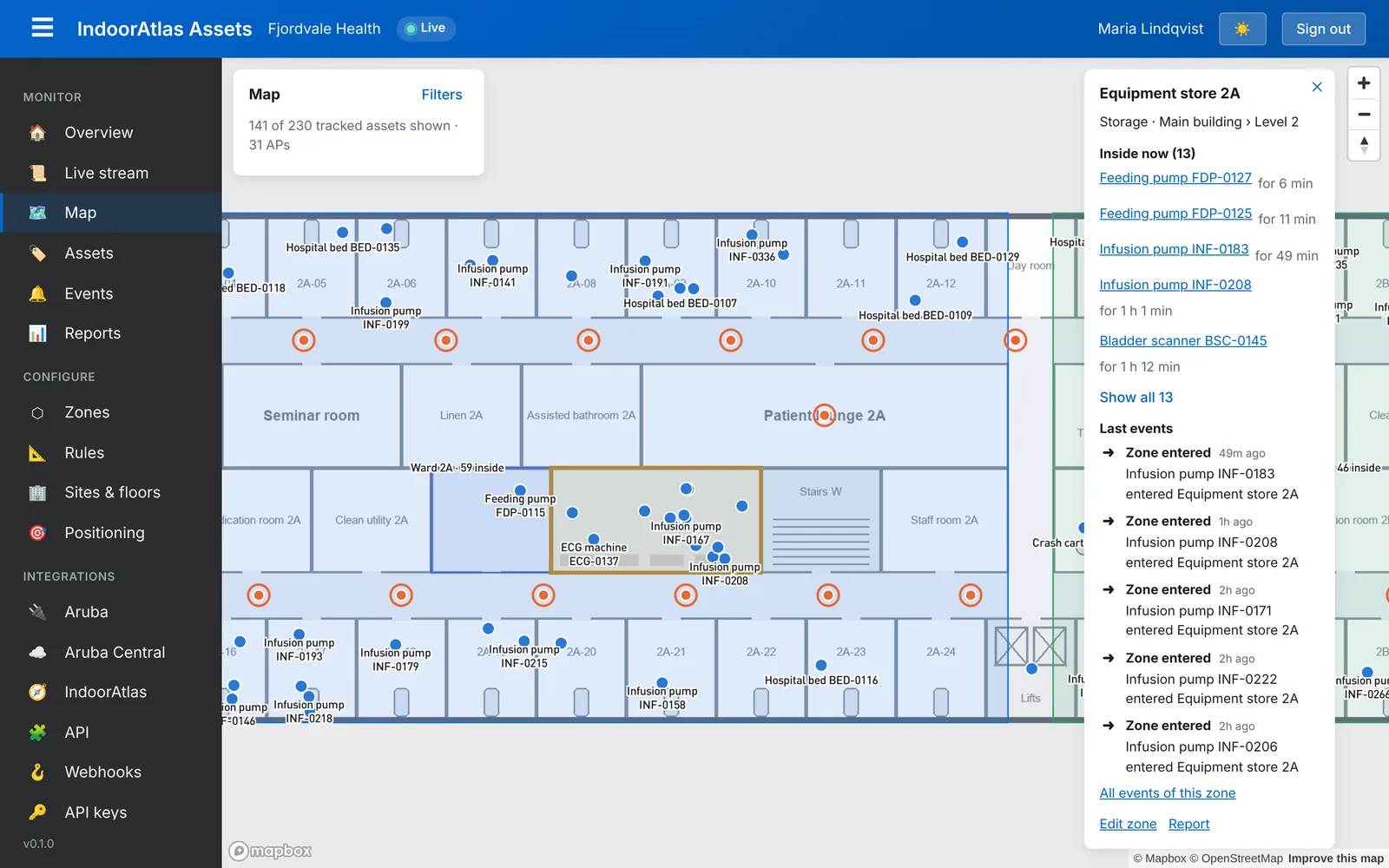
See every tracked item on your floor plans, with zones, search and filters, and where each item has been.

Rules and alerts

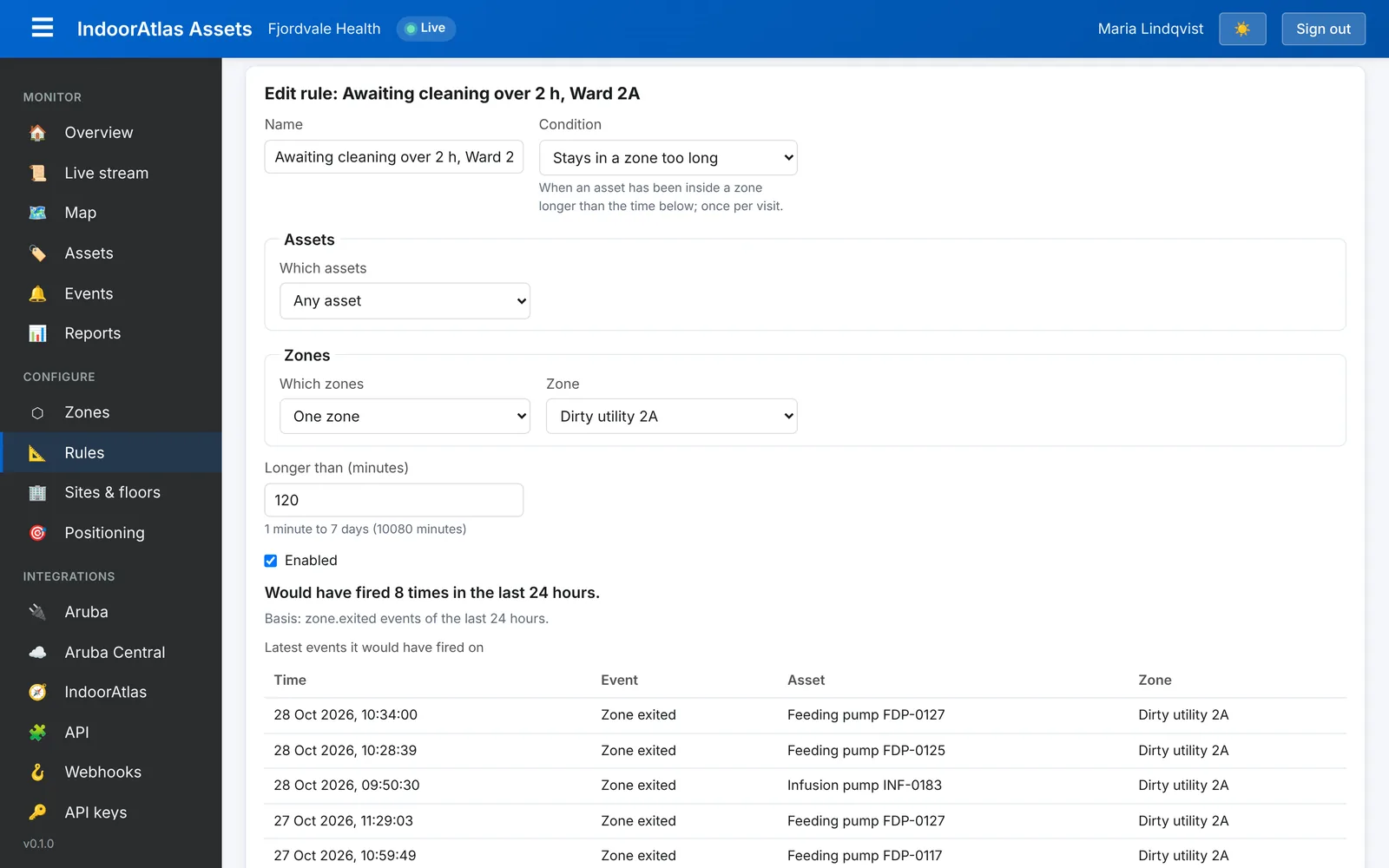
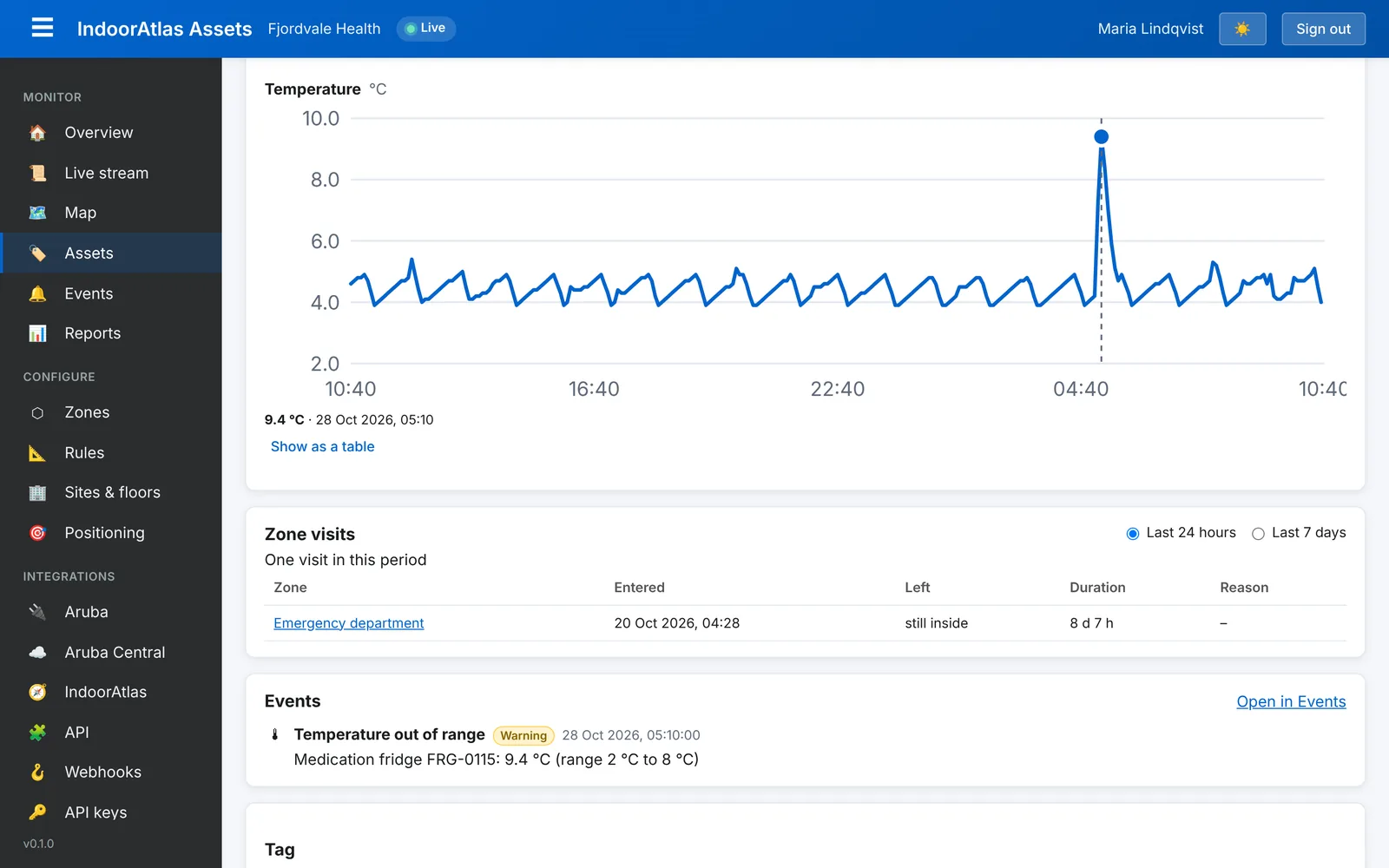
Alerts when an item leaves a zone, stays too long or goes missing.

Product overview

Benefits
  • Find the nearest available item without searching for it
  • Know which items are idle, in use or waiting for maintenance
  • Know at once when an item leaves its zone or goes missing
Features
  • Track BLE tags through your HPE Aruba Networking Wi-Fi network
  • Track phones and handhelds with the IndoorAtlas SDK
  • Live map with zones and item history
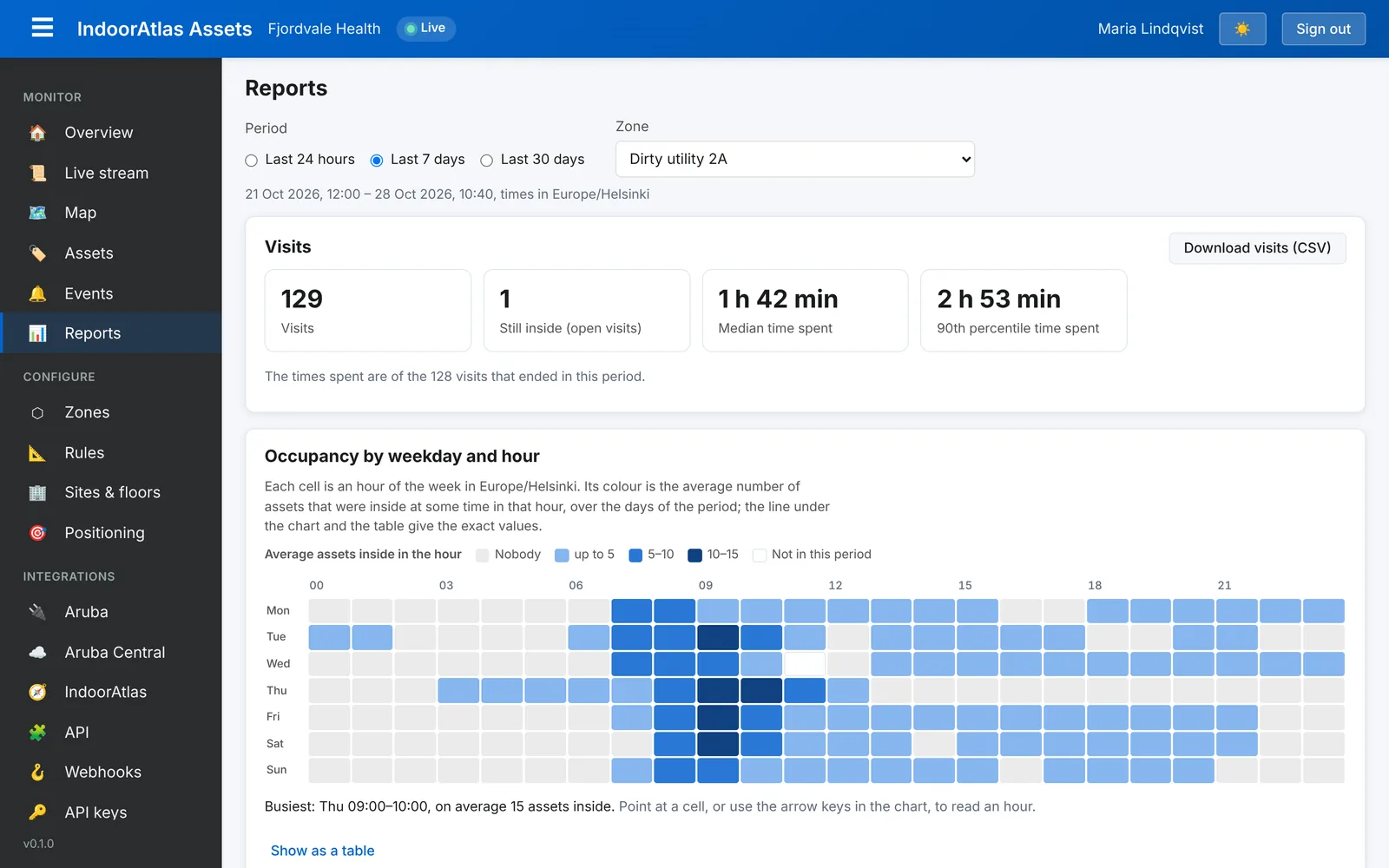
  • Rules, alerts and reports
  • API and webhooks
  • Several sites and buildings in one account
Applications
  • Hospitals: infusion pumps, wheelchairs, beds and monitors
  • Logistics and warehouses: roll cages, pallet jacks, returnable containers and handheld computers
  • Manufacturing: tools, test equipment and work-in-progress carts
  • Retail: handheld devices and shared equipment
  • Offices, campuses and venues: shared devices and event equipment
Deployment

For BLE tags, connect your HPE Aruba Networking Wi-Fi network to IndoorAtlas and attach standard BLE tags to the items. Phones and handhelds that run an app with the IndoorAtlas SDK appear on the same map. Your team uses IndoorAtlas Assets in a browser, on a desktop or a phone. For laptops and other devices that scan Wi-Fi or BLE themselves, see the Positioning REST API.

Plans and pricing

Asset tracking is offered separately from the positioning plans. See the features and talk to us about a pilot.

How it works

1. Connect

Connect your HPE Aruba Networking Wi-Fi network to IndoorAtlas, or use devices that run the IndoorAtlas SDK.

2. Tag

Attach BLE tags to the equipment. Rules can take new tags into use automatically. Phones with the SDK report their own positions.

3. Track

Follow the items on the live map, get alerts and see reports in the browser.

Get started with IndoorAtlas.

Create a free 30-day trial account, or talk to us about your project.