

Before an indoor positioning project starts, one question usually comes up: does someone need to walk the whole venue first? With IndoorAtlas, the answer depends on what you need. There are two ways to deploy, and you can start with one and move to the other later.
Without a site visit: existing Wi-Fi access points and BLE beacons
The fastest way to deploy IndoorAtlas needs no visit to the venue. You tell the platform where the existing Wi-Fi access points and Bluetooth (BLE) beacons are, using the Beacon Planner in the IndoorAtlas web app. The SDK then positions devices from the Wi-Fi, BLE and Wi-Fi RTT signals they observe, together with the phone’s motion sensors and barometer.
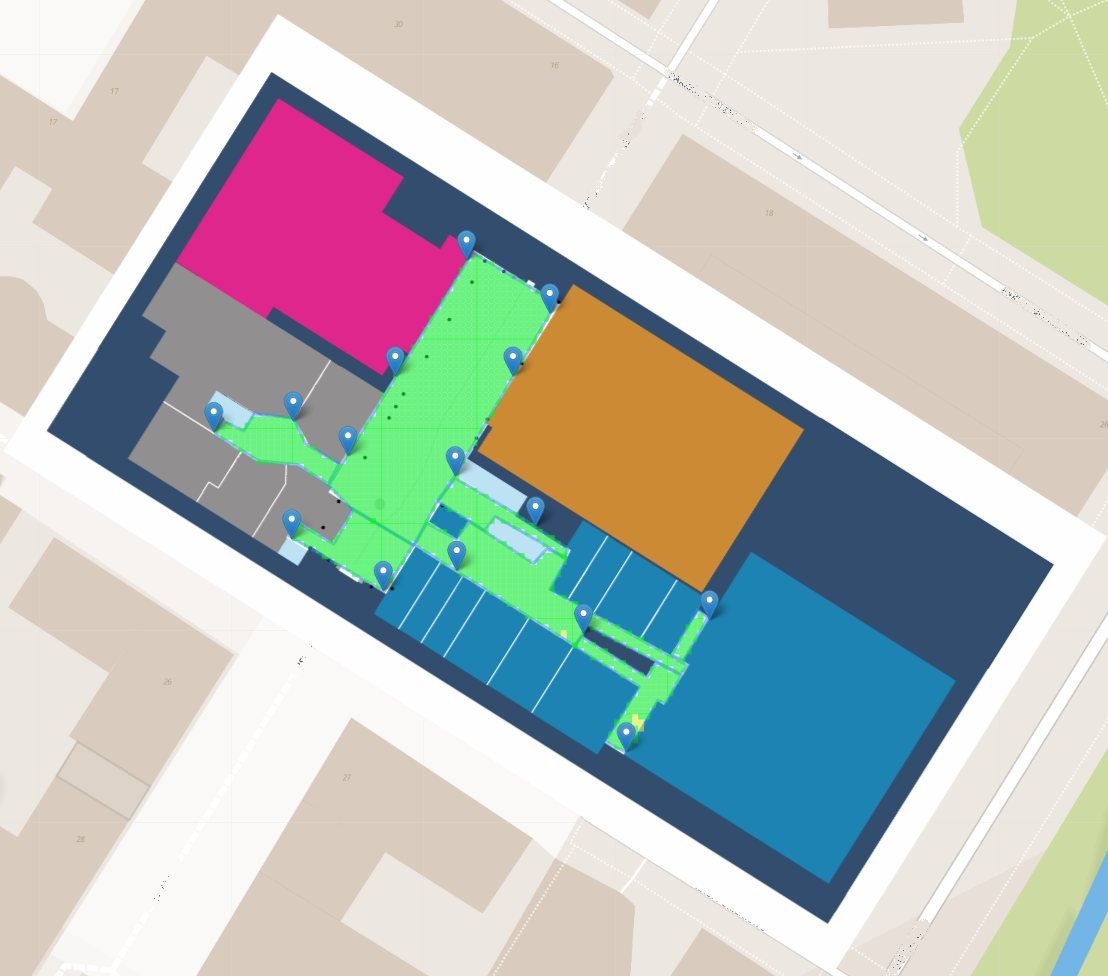
This model suits venues that already have good radio coverage, quick pilots, and rollouts across many sites where visiting each one is not practical.
One point to plan for: iOS apps cannot use Wi-Fi scans for positioning, so iOS users need BLE beacons in the venue. Many modern Wi-Fi access points can also broadcast BLE.
With fingerprinting: the full sensor fusion
For the best and most robust performance, you fingerprint the venue. You upload the floor plans in the web app, plan any beacons with the Beacon Planner, and walk the venue with the IndoorAtlas MapCreator app for Android. MapCreator records the building’s magnetic field together with the radio signals.
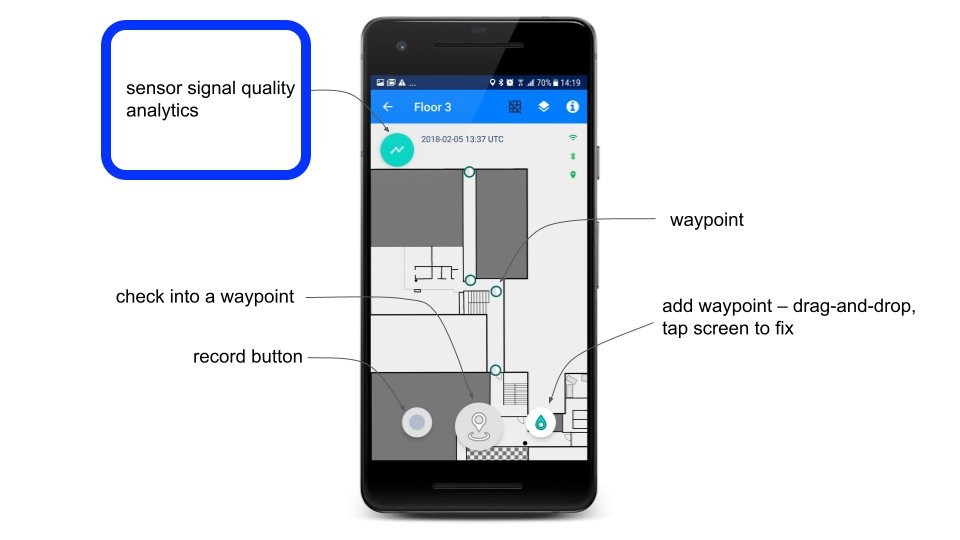
A fingerprinted map adds the geomagnetic field to these signals, so all sensor fusion layers of the IndoorAtlas SDK are active: the geomagnetic field, Wi-Fi, BLE and RTT, motion sensors and the barometer. The magnetic field comes from the building’s steel structures, so it gives continuous tracking without extra hardware.
How often does a venue need to be remapped?
Rarely. The magnetic field of a building changes only with major structural changes, such as new steel structures or reinforced concrete.
Who does the work?
You can fingerprint your venues yourself or with a partner. IndoorAtlas provides remote training, and real-time online support during venue visits can be arranged. IndoorAtlas can also carry out the fingerprinting for you.
To check the result, the Mapping Quality and Coverage view in MapCreator and in the web app shows where the map is consistent and where more data is needed, and MapCreator shows the beacons it observes in real time.
Which one to choose?
| Without a site visit | With fingerprinting | |
|---|---|---|
| Site visit | Not needed | A walk through the venue with MapCreator |
| What you need | Positions of existing Wi-Fi access points and BLE beacons | Floor plans, MapCreator on an Android phone |
| Signals used | Wi-Fi, BLE, RTT, motion sensors, barometer | The same, plus the magnetic field |
| Best for | Fast pilots, many sites, good radio coverage | Best performance, large and complex venues |
Read more about the IndoorAtlas platform. You can try both models on your own venue with a free 30-day trial.