
Analytics
See how people use your venue and keep an eye on the infrastructure behind positioning: heatmaps, visitor paths and dwell times, plus beacon monitoring and radio coverage. Based on stored positioning sessions from users who have opted in.
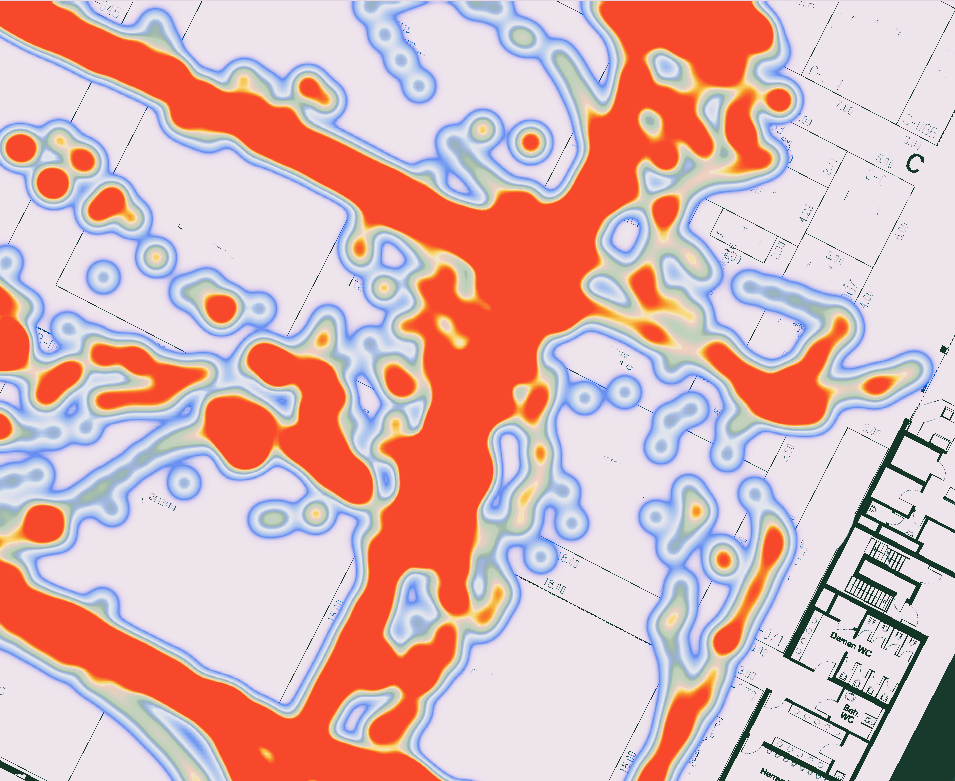
See how people use your venue and keep an eye on the infrastructure behind positioning: heatmaps, visitor paths and dwell times, plus beacon monitoring and radio coverage. Based on stored positioning sessions from users who have opted in.
Enable session storage for your API key, define the areas to measure and open the views in the web app. See Get started.
Screens from the IndoorAtlas Analytics web app. Click an image to enlarge it.
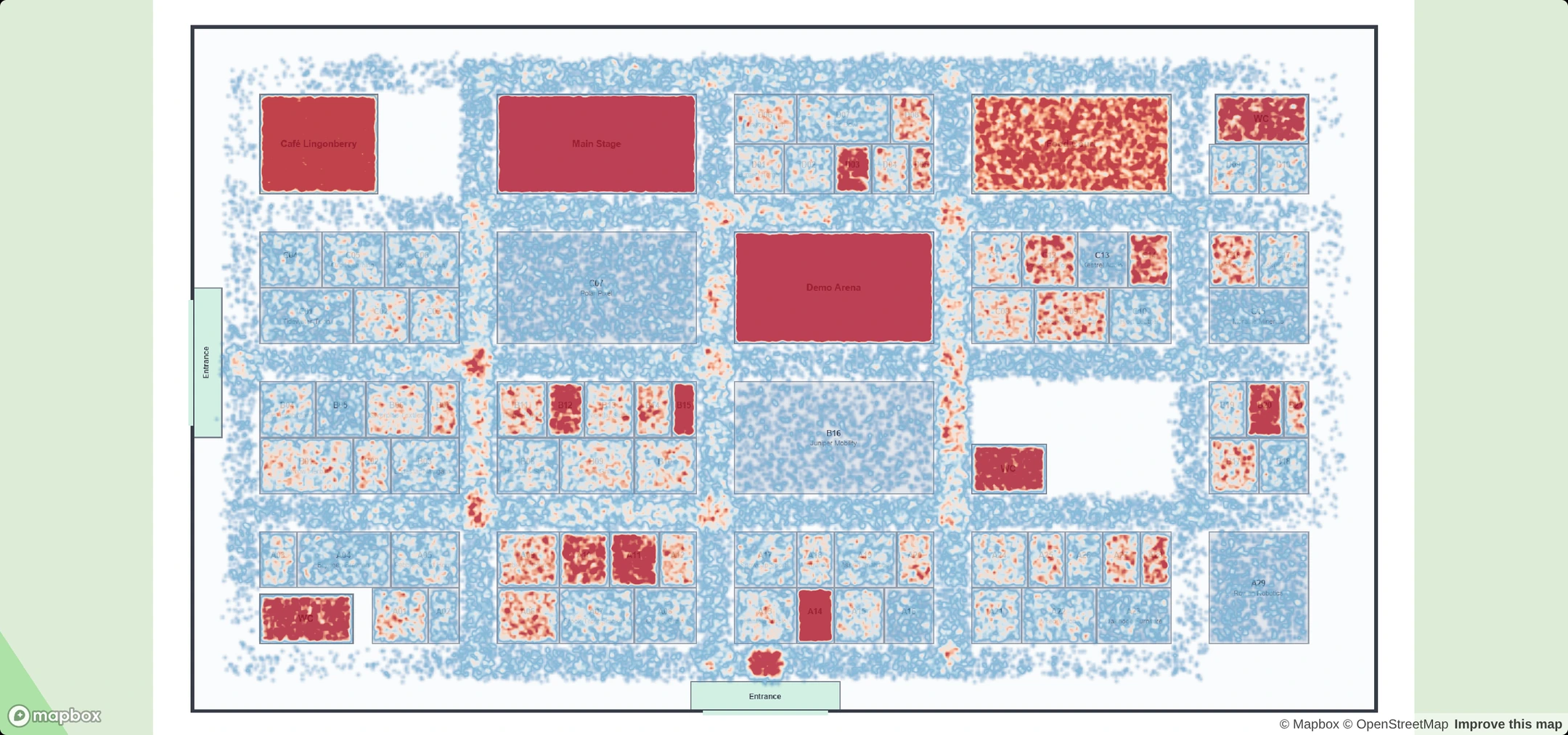 Heatmap: where visitors spent their time.
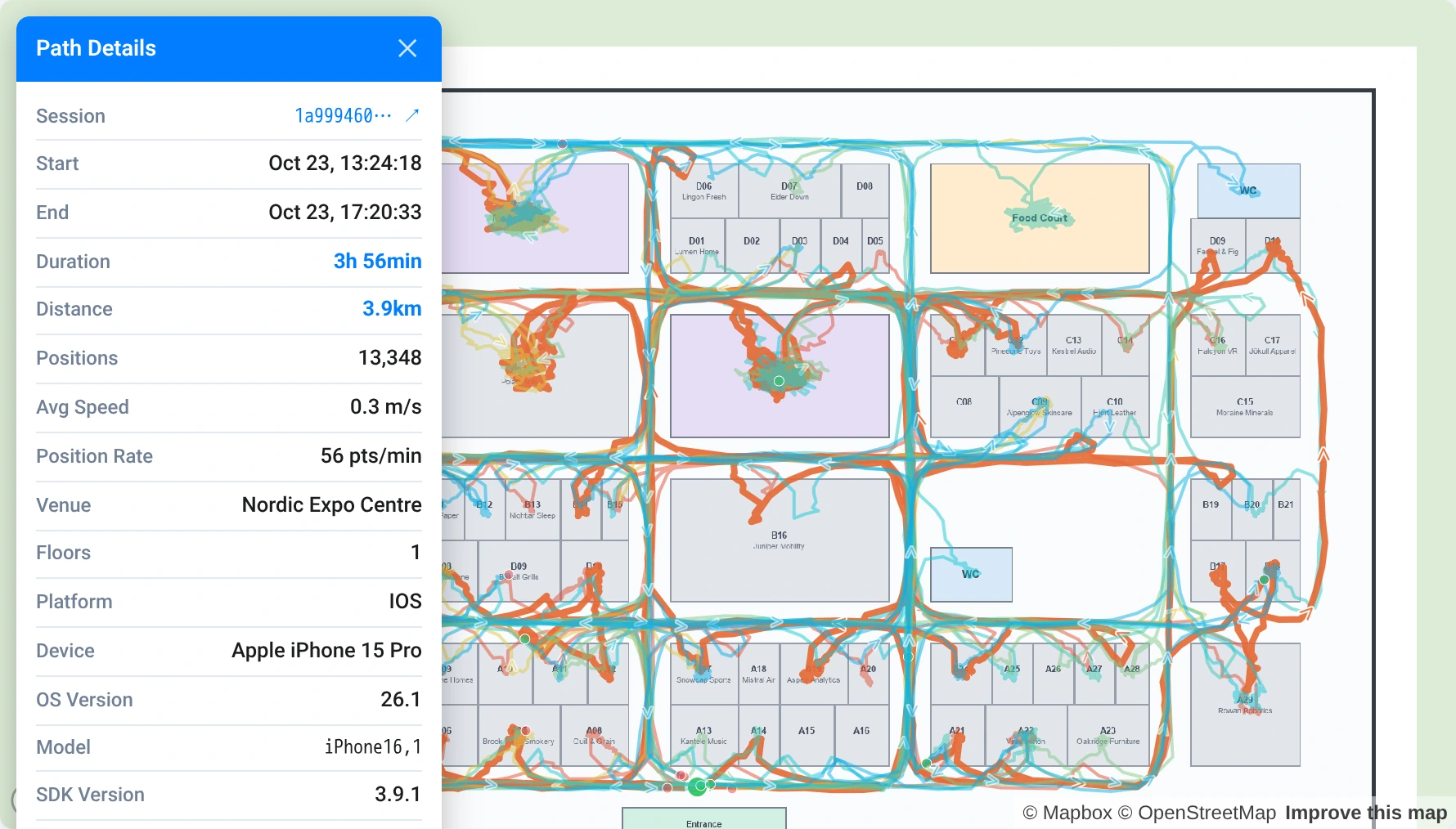 Path analysis: the route, duration and distance of each session.
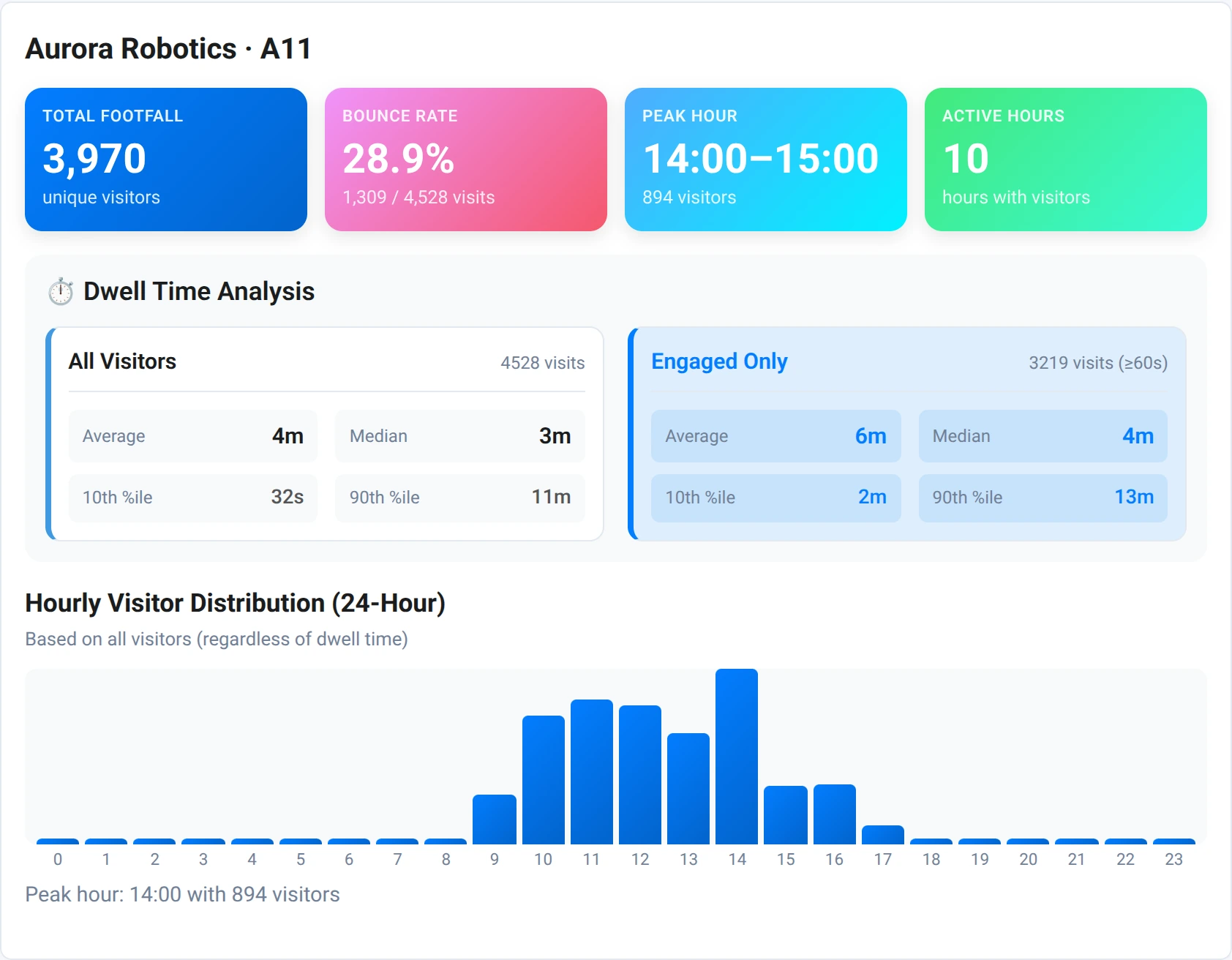 Footfall, peak hour and dwell time for each area.
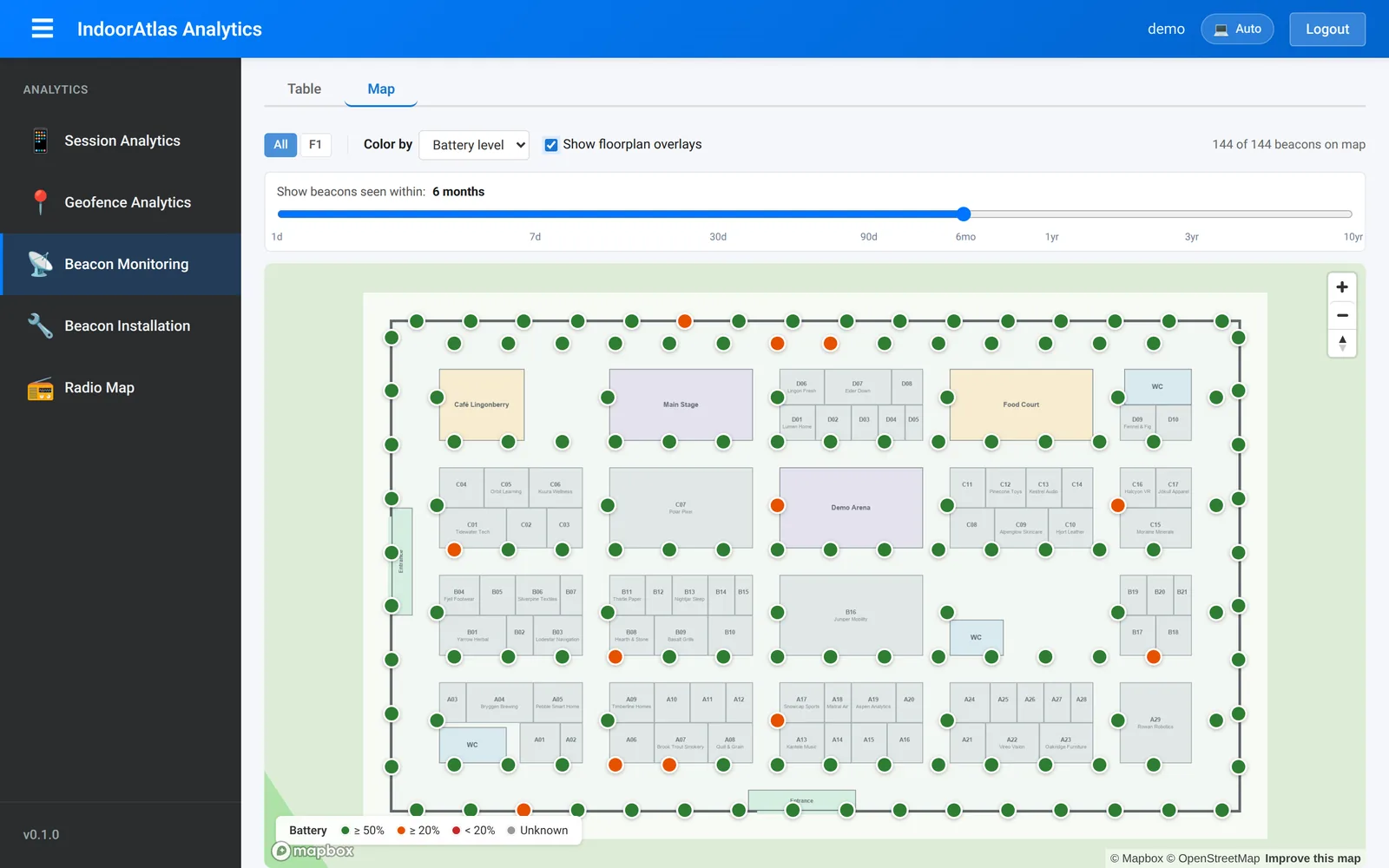 Beacon monitoring: battery level and when each beacon was last heard.
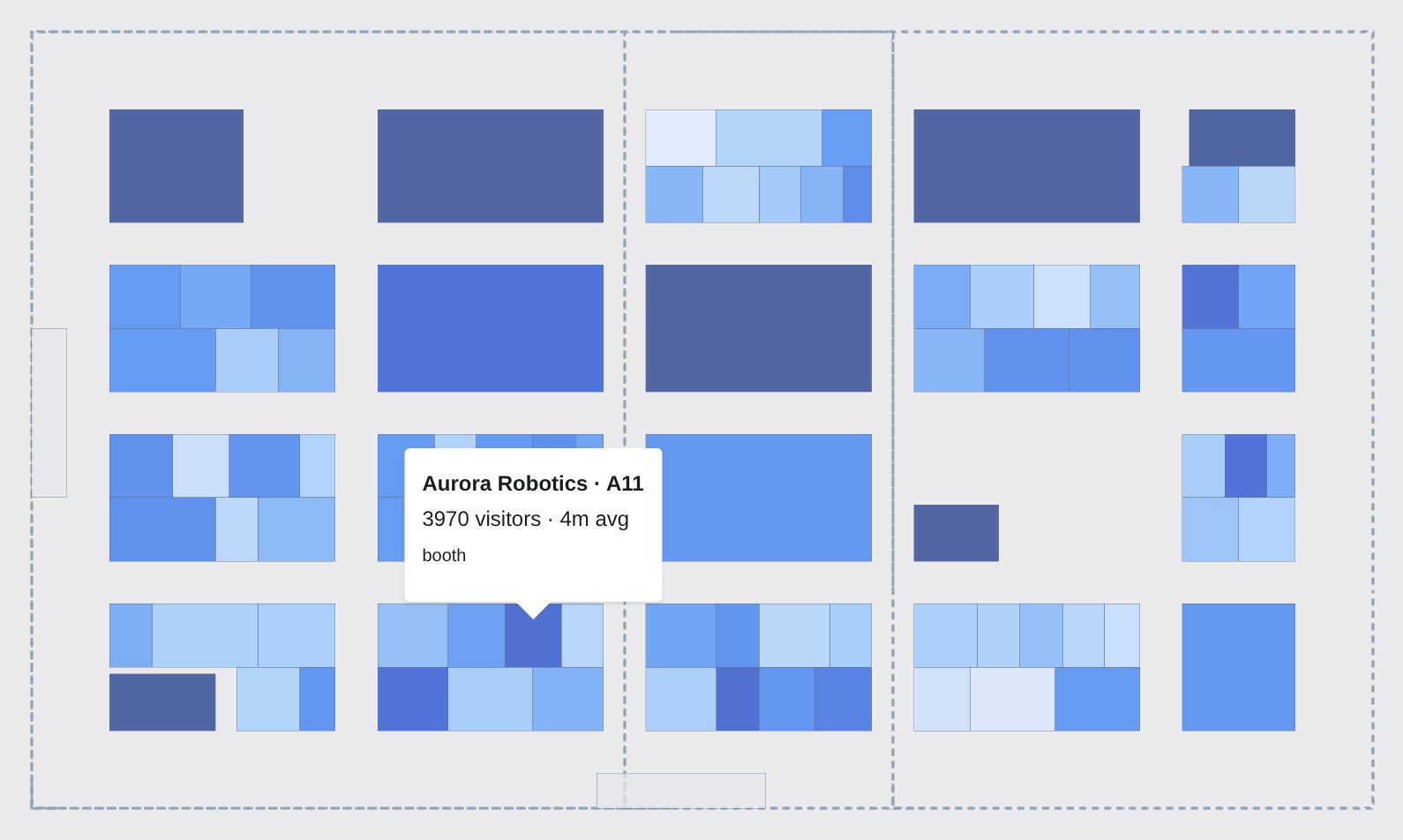 Area map: stands coloured by average dwell time, with visitors and dwell time for each.
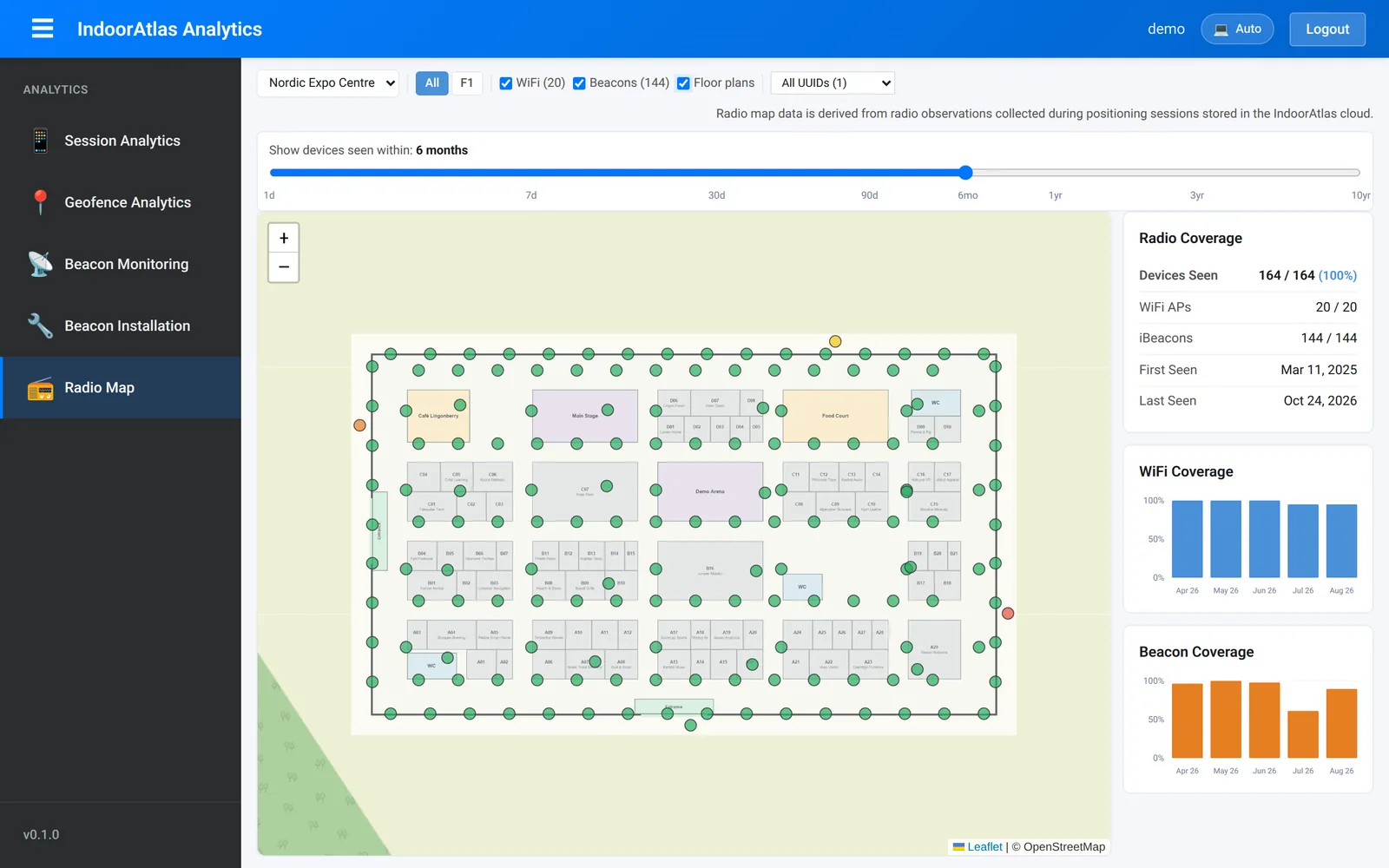 Radio map: Wi-Fi and beacon coverage seen in positioning sessions.
Analytics is offered separately from the positioning plans. See the features and talk to us about adding it.
Create a free 30-day trial account, or talk to us about your project.